

Resume and role context
Review experience and skills alongside the requirements the team has set for the role.
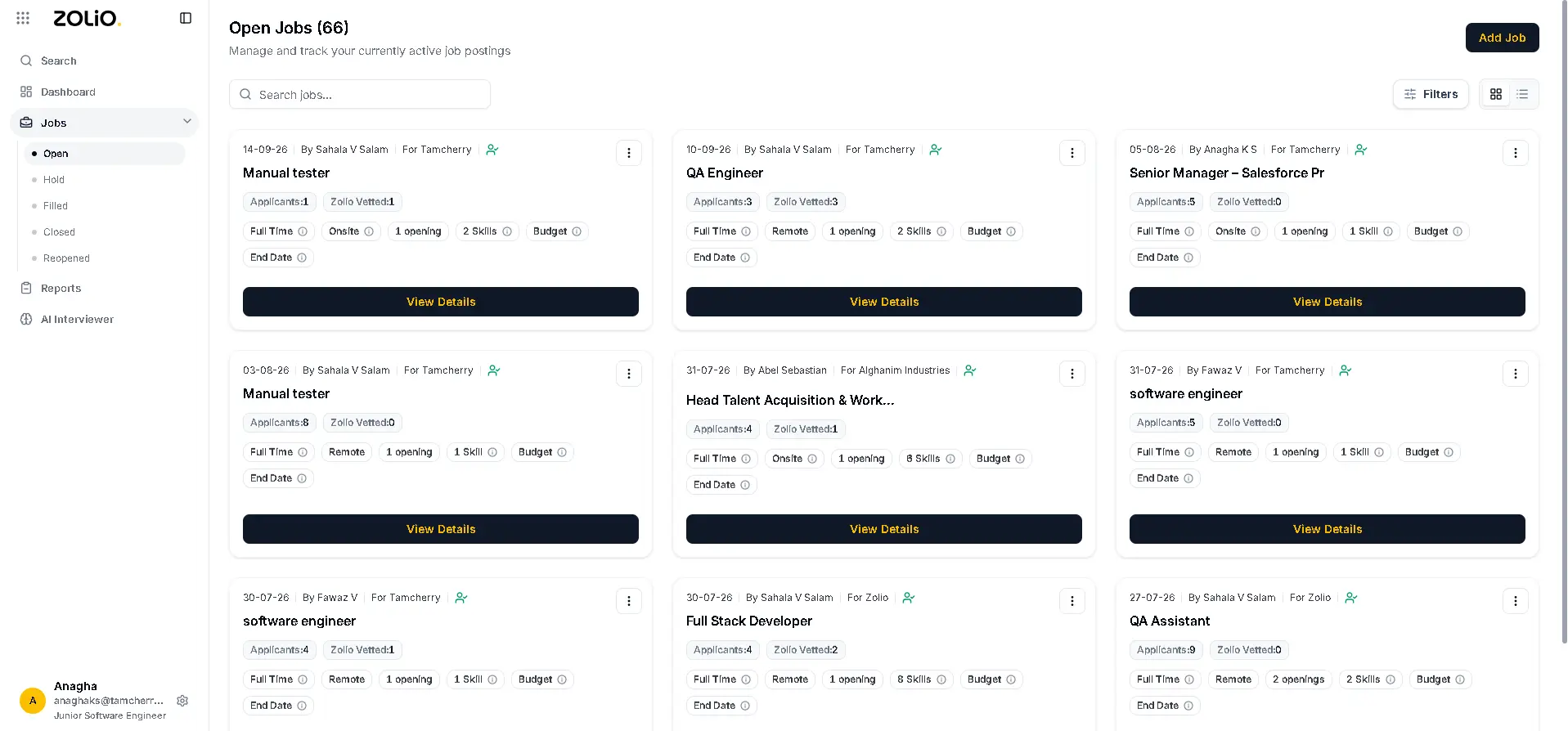
Software for hiring and recruitment teams to review resumes, run AI-assisted interviews and assess skills against a role.
Bring candidate evaluations and scorecards into your team’s shortlist discussion.
How it works
Provide the role requirements and candidate resumes.
Screen resumes and run AI-assisted interviews and role-relevant skills assessments.
Read candidate profiles, interview insights, assessment results and team scorecards.
Use the evidence to decide who moves forward. Your organisation makes the final hiring decision.
Candidate evaluations and structured scorecards bring information from screening, interviews and assessments into the hiring team’s review.
What your hiring team reviews
The practical starting point is a role you need to fill.
Examine the candidate’s evidence against that role and decide what to investigate next.
Review experience and skills alongside the requirements the team has set for the role.
Use interview insights and assessment results to discuss demonstrated strengths and questions that remain.
Helping recruitment teams find the right candidate—so the right candidate never goes unseen.
Part of the wider talent journey
Zolio Skills focuses on skills baselines and development priorities. Explore how those insights relate to workforce planning and knowledge handover in the platform walkthrough.
Understand skills profiles, gaps and readiness for employees and students.
Explore Zolio SkillsFollow an illustrative candidate-review workflow from role requirements to a shortlist discussion.
Read the hiring exampleFollow Hire, Skills, Workforce and Continuity through four connected decisions.
Follow the walkthroughChoose a real task, the output your team needs and the decision it should support.
Plan a focused demo →Discuss the data, permissions and connection requirements for your setup.
Review your systems →Take your procurement questions into a scoped security and data review.
Review security and privacy →Need pricing or adoption details? Request a scope and pricing discussion.
Ask to see a screening and assessment workflow, the resulting evaluation and how a hiring team reviews it.